
Internal
Design system
Everything the site is built from: colour, type, spacing, components and motion. It uses the site’s own styles and scripts, so what you see here is exactly what the pages do.
Colour
An off-white page, near-black text and a dark ink for islands and the footer, every neutral a true grey. Coral is the brand colour: fills, links and markers. Pink, purple and indigo are the steps from coral to blue, and run with it in gradients. Case studies take on the client’s own colour.
Neutrals
--color-bg--color-surface--color-field--color-textStrut's near-black: every neutral is a true grey built around it, no warm tint--color-muted--color-border--color-border-strong--color-ink-softa dark true grey, a step up from the ink: the end of a black button's hover sweep--color-muted-on-inkthe one mid-light grey
Two more are the same values under another name: --color-ink is the text colour and --color-on-ink is the page colour, used for dark islands and the words on them. The one mid-light grey (--color-muted-on-ink) also serves the “Somewhat” answer, the perk circles and the meter track; three near-identical greys were merged into it (14 October 2026).
Brand
--color-accent--color-pink--color-purple--color-blue--color-blue-on-inkthe brand blue lightened so small text reads on ink: 6.2 : 1 (the plain blue is 2.9 : 1 there). Used for the effort quadrant's labels--color-on-accenttext and icons on solid coral: near-black, 5.06 : 1
The lightened blue (--color-blue-on-ink) is for small text and labels on dark, where the plain blue is too dim to read (2.9 : 1 against 6.2 : 1); the effort quadrant’s top and right labels use it.
Gradients
--gradient-brandcoral top left to indigo bottom right: the Brand Audit islands--gradient-buttona coral button's hover: twice the button's width, at 45 degrees, slid left on hover so the coral gives way to the brand blue, top left to bottom right--gradient-button-darka black button's hover, the same sweep in our greys: ink to a dark grey, kept dark so it holds its own on the coral-to-indigo band--gradient-displaycoral to dusky pink across the display letters
Over photos
--gradient-case-scrimover a case study's hero photo, so white type reads on any picture--gradient-partners-scrimpartners hero: the photo at full colour, darkened only at the foot where the words sit--gradient-careers-scrimcareers hero: the partners shade at the foot, plus a soft one from the left behind the heading
Client pages
--color-client-pwr--color-client-stannergillStannergill Whisky's dark brown, from Ed's own case study page (10 October 2026)--color-client-skydive--color-client-brushworks--color-client-brushworks-blackthe Brushworks case study page: their black, since the teal is too light for white words (16 October 2026)--color-client-cairngorm--color-client-dunnet--color-client-glamis--color-client-caledonia--color-client-adc--color-client-primrosePrimrose's midnight, from Ed's own case study page (16 October 2026)--color-client-pendlePendle's teal, from Ed's own case study page (16 October 2026)--color-client-pmcPMC Commerce's navy, from Ed's own case study page (16 October 2026)--color-client-bell-ingram--color-client-midton--color-client-russwood--color-client-tailormade--color-client-nc500--color-client-benmorea stand-in deep glen green, drawn from the estate's photos, until Benmore's brand colour is confirmed (19 October 2026)--color-client-highland-hangouta stand-in cabin-timber brown, drawn from the photos, until Highland Hangout's brand colour is confirmed (19 October 2026)--color-client-balnagowna stand-in estate green-grey, drawn from the Balnagown website's colour, until its brand colour is confirmed (19 October 2026)--color-client-landmark-parka stand-in forest green, drawn from the park's photos, until Landmark's brand colour is confirmed (19 October 2026)--color-client-tumindsa deep blue taken from the Tuminds website, until its brand colour is confirmed (19 October 2026)
The last five (Benmore Estate, Highland Hangout, Balnagown, Landmark Park and Tuminds, 19 October 2026) are stand-ins drawn from the clients’ own photos and websites until their brand colours are confirmed. A client’s colour appears on their case study and on their card under “Our clients” on the industry pages, and nowhere else.
Service steps
The backs of the six service cards, one step warmer each, from blue (01) to coral (06). The four in between are mixes of blue and coral (color-mix, 20, 40, 60 and 80 per cent of the way). Cards 5 and 6 take dark text, 1 to 4 white.
--color-blue--service-step-2service card backs, blue towards coral: 20, 40, 60 and 80 per cent of the way--service-step-3--service-step-4--service-step-5--color-accent
One-off
Outside the brand colours on purpose, each in one place only: the signal yellow of the 404 page’s crossing light, LinkedIn’s blue on Chris’s and Ed’s photos on About, and the bright green of a “Yes” answer on the brand check results (with coral for “No” and the mid grey above for “Somewhat”).
--color-signalthe 404 page's crossing signal housing: New York signal yellow, a one-off outside the brand colours at Ed's request (13 October 2026)--color-linkedinLinkedIn's blue, a one-off outside the brand colours at Ed's request (13 October 2026): the LinkedIn icons on Chris's and Ed's photos on About--color-yesa "Yes" answer on the brand check results: a bright green, a one-off outside the brand colours at Ed's request (14 October 2026)
Type
Stack Sans Headline for headings, Stack Sans Text for reading. Doto, the dot-matrix face, belongs to the top bar’s display only, Caveat to one handwritten hint and Press Start 2P to the arcade game. Sizes scale smoothly with the screen.
- AaStack Sans HeadlineHeadings, buttons, labels. Medium (500).
- AaStack Sans TextBody copy. Regular (400), bold (700) for emphasis.
- AaDotoThe top bar’s display only.
- AaCaveatHandwriting, for the polaroid captions (
--font-hand). - AaPress Start 2PThe arcade game, Strut Fighter II, only (
--font-pixel).
Text styles
Every piece of text on the site uses one of these styles. Each line below is drawn with the real style, so what you see is what ships.
Heading 1
Heading 1 ·
h1The page title, once per page. Stack Sans Headline Medium,
text-4xl, tight leading. The homepage hero usestext-hero-home, a touch smaller.Heading 2
Heading 2 ·
h2Section titles. Stack Sans Headline Medium,
text-3xl. Slides up word by word as it scrolls in.Heading 3
Heading 3 ·
h3Card and sub-section titles. Stack Sans Headline Medium,
text-2xl.Eyebrow label
Eyebrow
Sits above a heading to name the section. Stack Sans Headline Medium,
text-sm, capitals, wide tracking, grey.A lead paragraph opens a section in one or two sentences.
Lead ·
pThe first paragraph under a heading. Stack Sans Text Regular,
text-lg, relaxed leading.Body copy is for everything else you read, with links in coral and bold for the line that matters.
Body ·
pStack Sans Text Regular,
text-base, relaxed leading, kept to a comfortable line length. Bold (700) for emphasis; links are underlined. Paragraphs stacked under a heading sit 2rem apart (gap-6in theproseclass), the same everywhere.Small print for captions, notes and timings.
Small ·
pStack Sans Text Regular,
text-sm, grey.
Scale
- Don’t walk. Strut.
--text-4xlclamp(2.75rem, 1.5rem + 6vw, 7rem) - Don’t walk. Strut.
--text-hero-homeclamp(2.25rem, 1rem + 5vw, 5.5rem)homepage hero heading: about a fifth smaller than text-4xl on wide screens - Don’t walk. Strut.
--text-3xlclamp(2.25rem, 1.5rem + 3.5vw, 4.5rem) - Don’t walk. Strut.
--text-2xlclamp(1.75rem, 1.3rem + 2vw, 2.75rem) - Don’t walk. Strut.
--text-xlclamp(1.375rem, 1.1rem + 1vw, 1.75rem) - Don’t walk. Strut.
--text-lgclamp(1.125rem, 1rem + 0.5vw, 1.375rem) - Don’t walk. Strut.
--text-base1.0625rem - Don’t walk. Strut.
--text-sm0.875rem
In use
Eyebrow
A section title slides up word by word.
A lead paragraph sets up the section in one or two sentences, in the larger reading size.
Body copy sits in the muted grey at a comfortable measure, with links in coral and bold for the line that matters.
Space and shape
One spacing scale for every gap and padding. Sections breathe with a larger space on wide screens.
Spacing
--space-10.25rem--space-20.5rem--space-30.75rem--space-41rem--space-51.5rem--space-62rem--space-73rem--space-84rem--space-96rem--space-108rem
Corners
--radius-sm0.25rem--radius-md0.5rem--radius-island1.25remrounded dark islands, such as the homepage industries--radius-pill999px
Shadows
--shadow-card-hoverthe homepage discipline cards, on hover: a faint contact shadow plus a soft one falling only below the card, not a grey halo all round--shadow-liftStrike stack cards, lifted on hover--shadow-cardclient cards in the deck--shadow-signalthe signal housing's shadow, deep enough to read on the dark 404 page
Buttons and links
Hover or tab to each one. Both solid buttons sweep a gradient in and roll their letters up; links fade their colour over 0.3 seconds.
-
Coral button
The main call to action. On hover a coral-to-blue gradient sweeps in and the letters roll up.
-
Dark button
A second strong action, such as the Brand Audit form. Like the coral button, on hover a gradient sweeps in (ink to a dark grey) and the letters roll up. No outline.
-
Dark button on the band
The button for the coral-to-indigo bands (the Brand Audit and new partners). Its grey stays dark so it never fades into the purple.
-
Outline button
A quieter alternative beside a coral button.
-
Outline button on dark
The outline button for dark pages, as on the 404:
btn-ghost-on-inkinbuild.py, a light grey ring that brightens on hover. -
Arrow link
Coral, with an arrow that nudges right on hover.
-
Black arrow link
Beside a coral button. Turns coral on hover.
-
Corner buttons
The two pills in the bottom corners of every page (they are on this one): FREE Brand check on the left opens the brand check drawer, Say hi on the right opens a small card with the email, phone and a link to Contact. A sweeping gradient on hover and letters that roll, like the coral button. On page load they slide in from outside the screen, the left one from the left and the right one from the right. After first use each folds to a 44px circle that opens its words out on hover, and both tuck away while the footer is in view (
.say-hi;initSayHi). -
Read our brand audit guide first.
Text link
Coral and underlined inside copy.
Labels
-
Industries
Eyebrow
Above a heading, to name the section.
-
Food & Drink
Tag
A sector or service, in an outlined pill.
-
Monthly subscription
Timing line
How long and how it’s priced, in grey.
-
II · Our values
Numbered label
Number first, then the title: “II · Our values”, “02 · What we do” (Ed, 19 October 2026). Never the title first.
Cards
Hover the discipline card: it grows very slightly and a soft shadow falls below it.
-
Discipline card
Monthly subscription
A photo, a title, a timing line, a short description and a link.
More on brand strategy -
Card
The plain surface colour with rounded corners, no edge. Used for steps, features, service details and the closing call to action.
-
Tile
A hairline border that turns coral on hover. The whole tile is the link.
Insight card
For a client’s colour use insight-cards-on-colour, and on a dark page (the 404’s latest news) insight-cards-on-ink, which lightens the title and the date.
Package tiles
The things we provide, on Ambitious Startups, Restless Scaleups and Strategic Matchups (our expertise, some of it ours and some through partners; no packages or prices since 16 October 2026), styled like the stack cards on the industries pages: each takes the next colour along the coral-to-indigo run (package-tile--s1 to --s7), with white type, an icon top left and the name bottom left. --wide, --big and --full set a tile’s size in the grid.
- Strategy workshop
- Domain name
- Website
- Brand guidelines
Service cards
The six services as cards: a picture with its 01 to 06 number, the name, timing and price, one line with an underlined verb, and the whole card a link. On a mouse the card turns over to a back that lists what is inside. Each service keeps its number and its colour wherever it appears, the backs running from blue (01) to coral (06) in five steps. Every service page ends with the other five; the homepage and What we do show all six. They all come from src/partials/discipline-cards.html, so a change is made once.
-
Strategy
Defining your audience, positioning, mission and values.
01
Strategy
- Free brand check
- Full brand review
- Workshops
- Audience research
- Positioning and messaging
- An actionable strategy
- And much more… let’s talk
-
Brand identity
Designing how your brand looks and sounds.
02
Brand identity
- Visual identity
- Tone of voice
- Brand system
- And much more… let’s talk
-
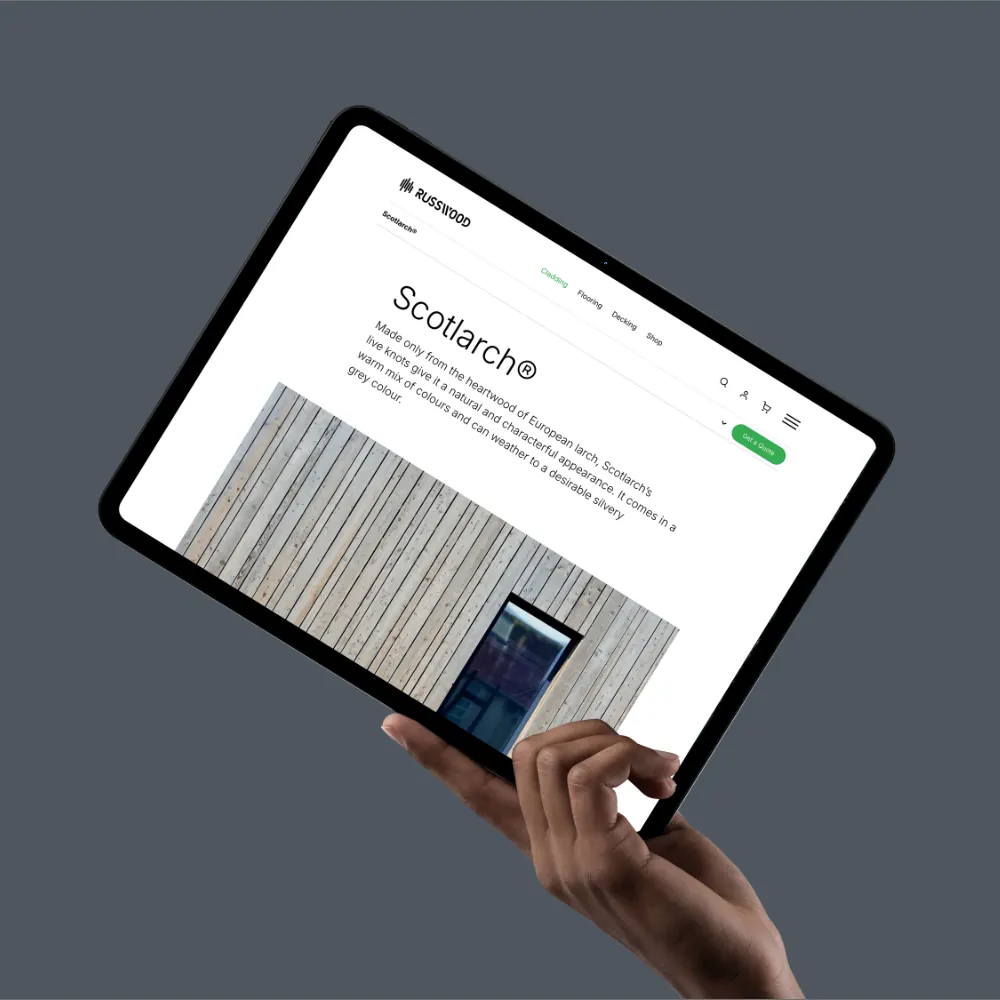
Websites & Ecommerce
Building sites that turn visitors into customers.
03
Websites & Ecommerce
- Digital Strategy & Planning
- Design & UX
- Systems and integrations
- Build and CMS
- Hosting
- Ecommerce
- And much more… let’s talk
-
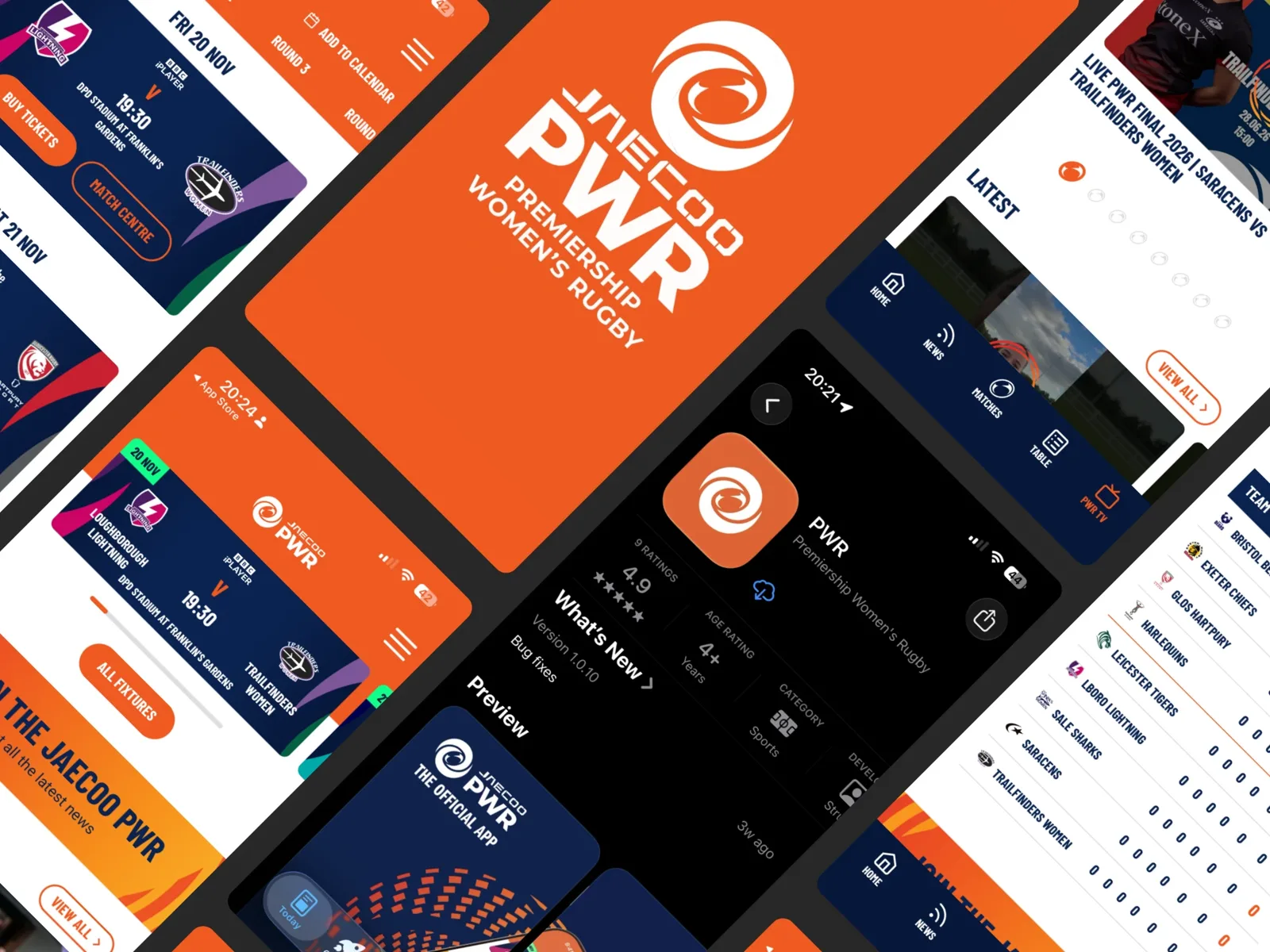
Web & mobile apps
Designing and building products people come back to.
04
Web & mobile apps
- Product strategy and UX
- UI design
- Build and launch
- AI accelerated delivery
- Secure
- Built to scale
- And much more… let’s talk
-

Design
Applying your brand to everything people see and use.
05
Design
- Brochures and documents
- Decks and presentations
- Social media templates
- Packaging
- And much more… let’s talk
-

Ongoing support
Keeping your brand consistent and evolving.
06
Ongoing support
- Regular brand check-ins
- Brand system updates
- Design on demand
- Website care
- And much more… let’s talk
Group cards
The three kinds of client on Who we work with, as service-style cards (Ed, 19 October 2026): the group’s hero photo, a 01 to 03 pill, the name, its line and a description, and on a mouse a turn to a back, in the group’s colour (coral, pink, purple), listing what that group looks for. Touch screens and reduced motion show only the front, a whole-card link. Built by group_service_cards in scripts/build.py (<!--generate:group-service-cards:…-->); the flat partner-cards are still used on What we do and in each group page’s “Not quite you?”.
-
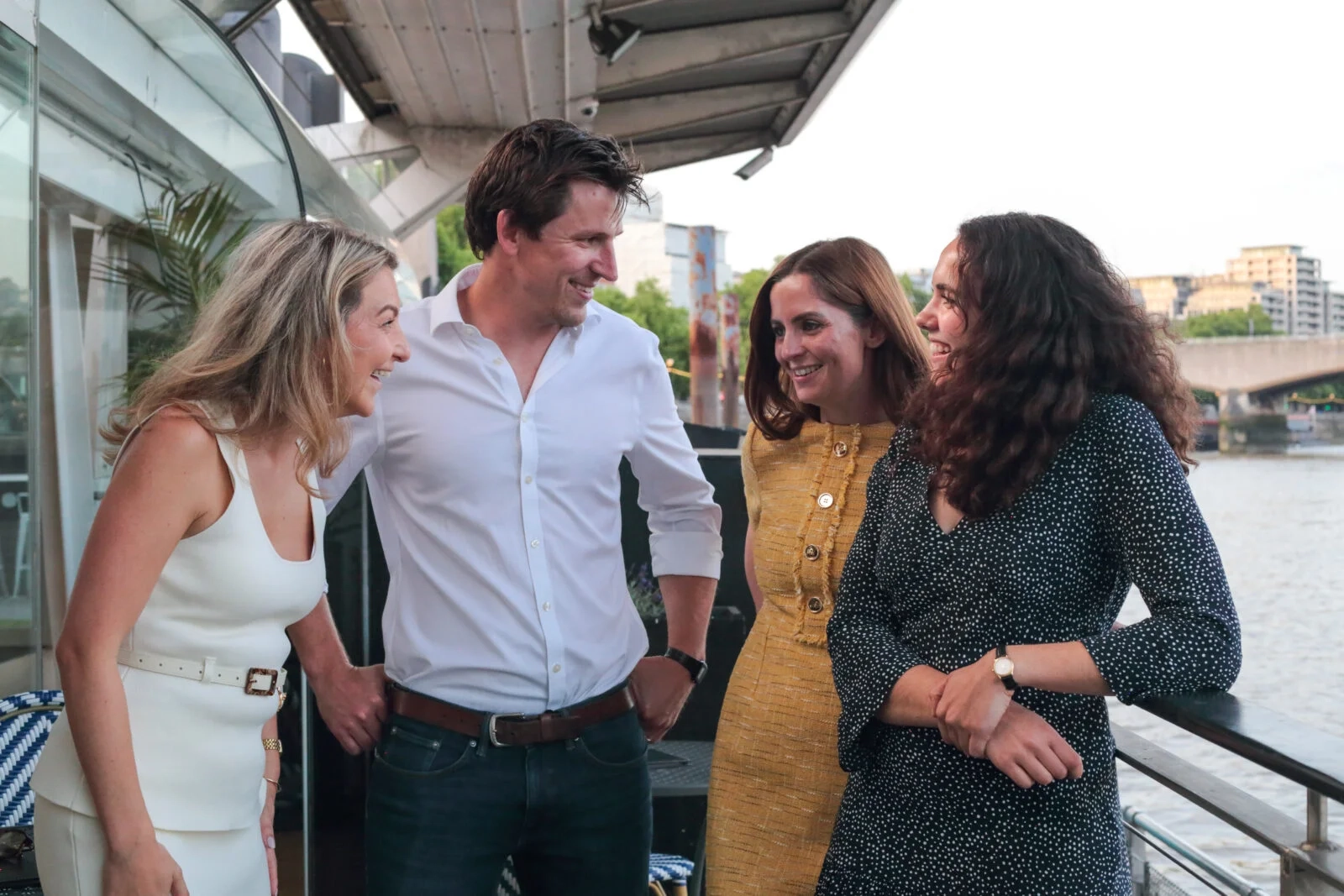
Ambitious Startups
We build your beginnings.
For founders with traction: the positioning, identity and tone of voice that set you apart from day one.
Ambitious Startups
- A Day 1 strategy workshop
- A name and a logo
- A website, domain and hosting
- A brand snapshot
- A deck and social templates
- And much more… let’s talk
-
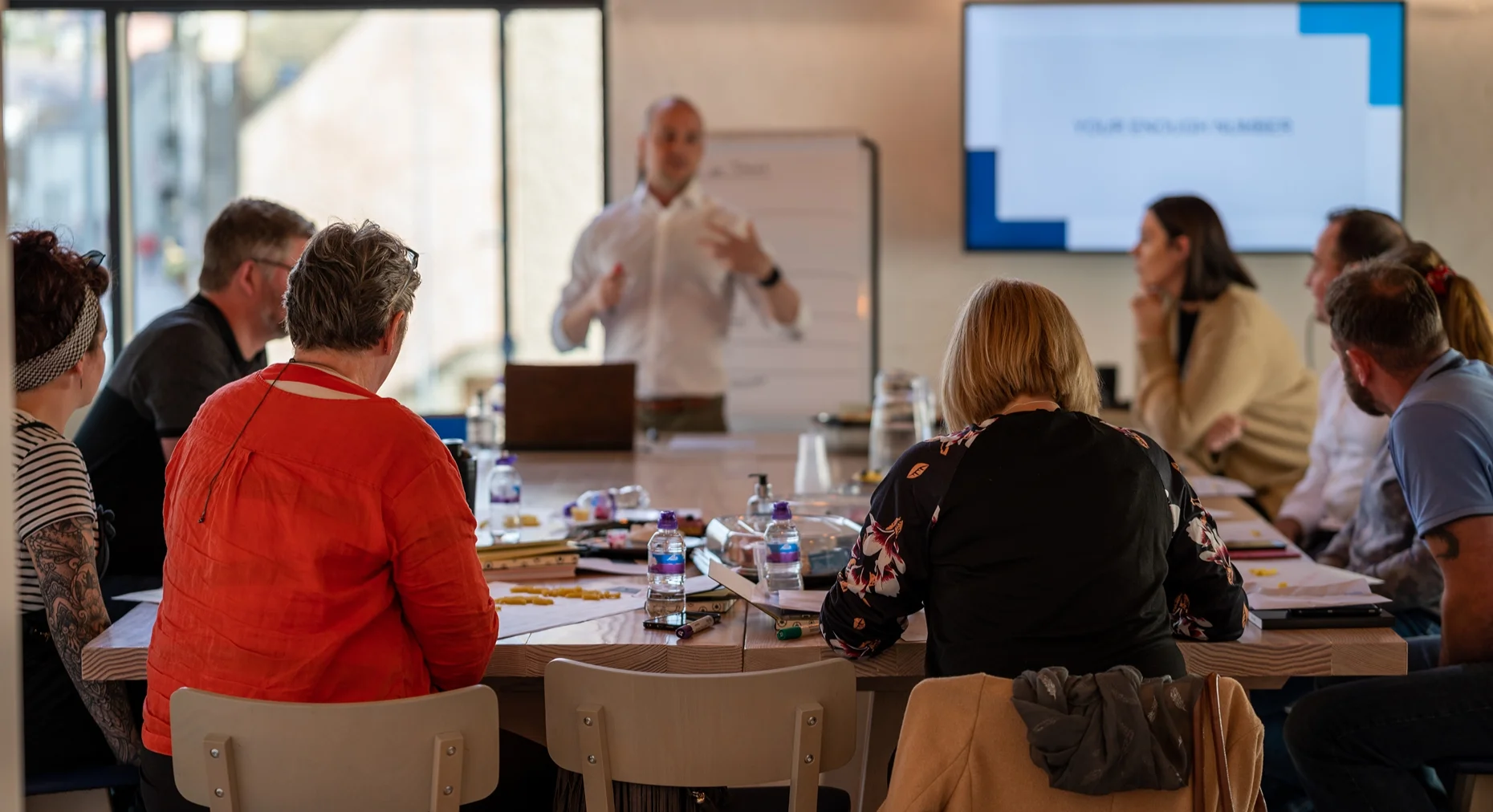
Restless Scaleups
We grow with you.
For scaleups, SMEs and mid-market companies ready for their next stage: what got you here won’t get you there.
Restless Scaleups
- A next stage strategy
- A stylescape
- A brand refresh
- A website
- Guidelines and a deck
- And much more… let’s talk
-
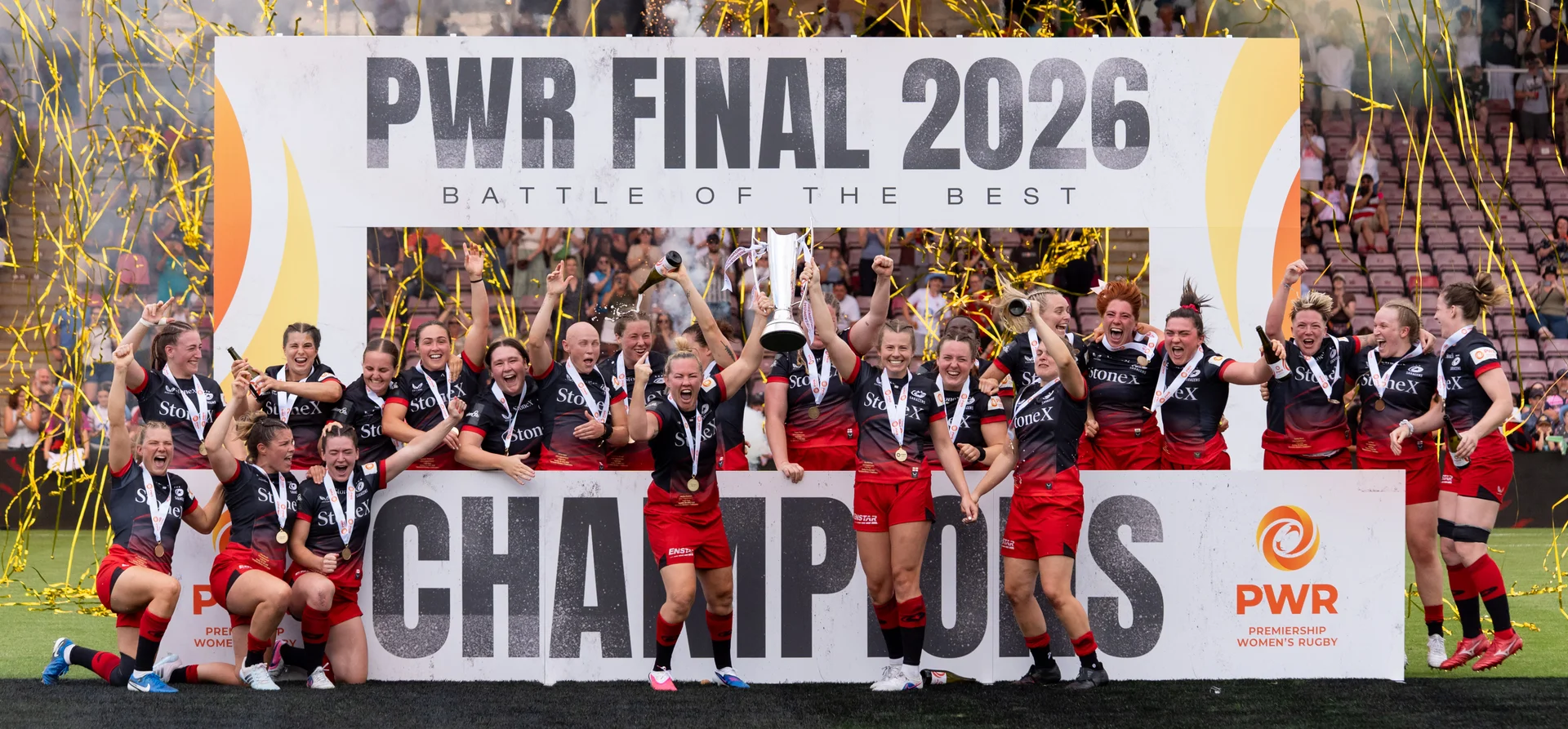
Strategic Matchups
We know how you play.
For sector specialists: a partner who understands your industry and delivers impact from day one.
Strategic Matchups
- Sport & Lifestyle
- AI & Data
- Energy & Renewables
- Travel & Tourism
- And much more… let’s talk
Work
The works page: square tiles packed tight, a project’s film playing by itself and its pictures running on hover, with the name and sector dropping in from above. Above them, a coral count and two pill filters that grow into option panels.
Filters and tiles

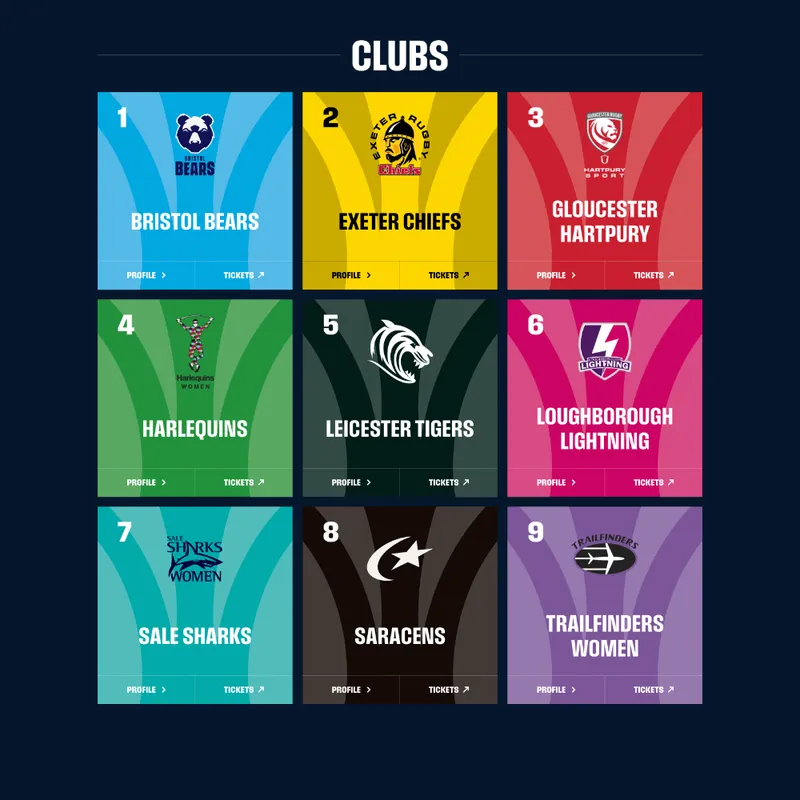
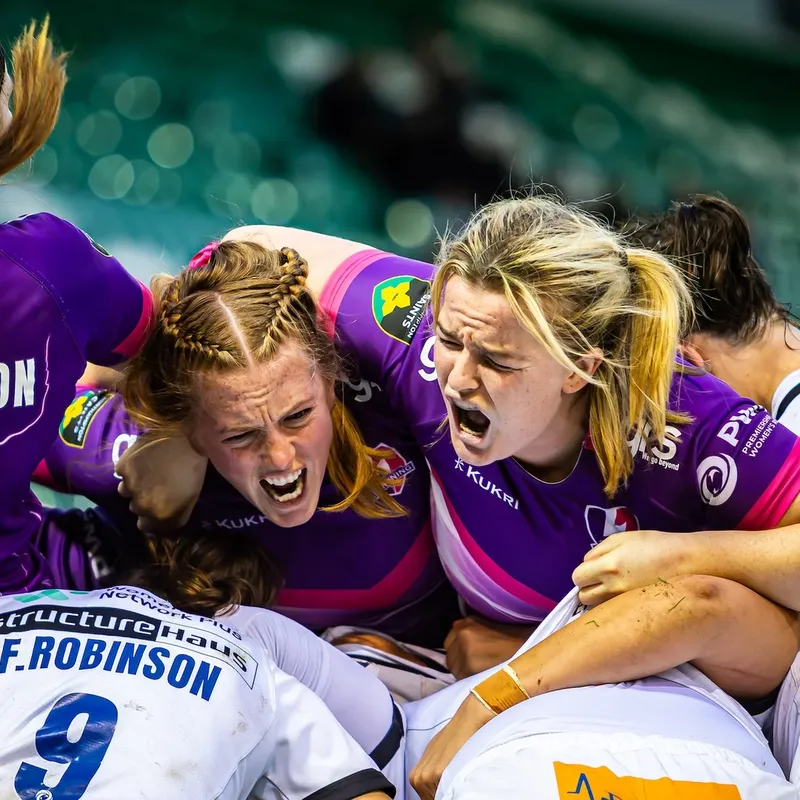




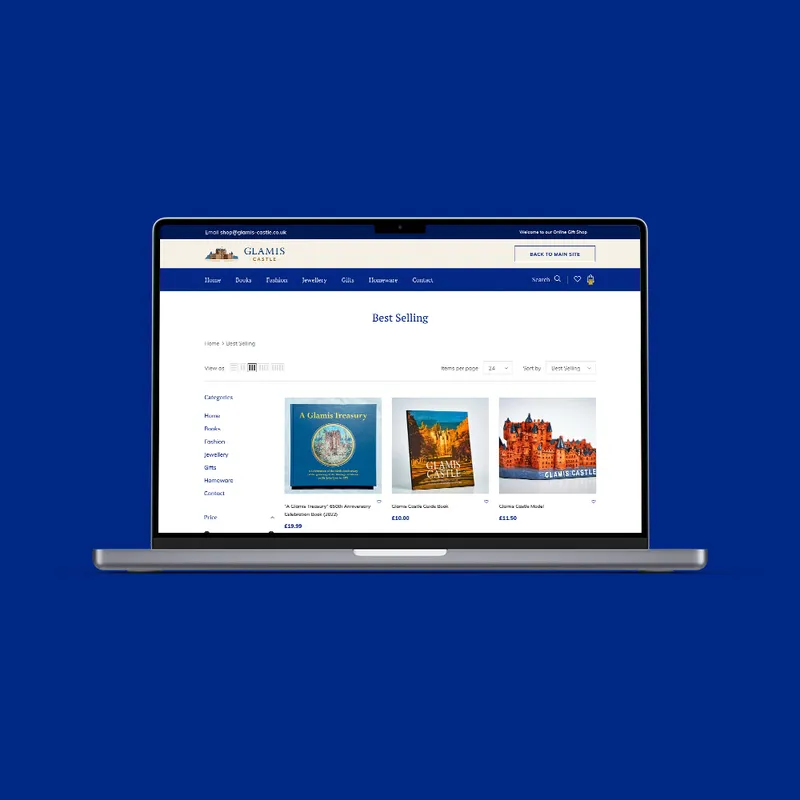





No case studies to show here yet.
Case studies
-
A photo in a rounded island framed evenly by the island inset, the client’s logo, the title and the results counting up. The photo drifts as you scroll.
-
The hero and the Work snapshot sit on the client’s colour; everything below is the page colour (
--color-bg), a hard break between them, no line under the snapshot. The snapshot’s columns fade in one after another, left to right (data-stagger). A case study that ends on a full-width picture grid or film closes with a gap equal to the sides, not a section’s space (case-end). -
Pictures and films only, full or half width, packed tight. Highlights are a continuous card carousel: drag it, use the arrows or the dots; side cards rest smaller and fade into the page colour.
-
The services a client got, as the Strike stack cards from Sport & Lifestyle: one large card with the client’s own work, the rest stepping from coral to indigo that fade in one after another like the package tiles (no hover effect), and a black call to action card at the end. On a light island, so the colours never clash with the client’s page colour.
-
Client cards on the industry pages
Under “Our clients” each client is a card on its own brand colour (
client__card--<client>) with its white logo, as on Sport & Lifestyle. A wide wordmark with its mark, like Primrose’s, sits at 60% of the card’s width (client__card--wordmark). With no logo yet the card shows the name large; with no brand colour yet it stays a light card with the full-colour logo (Visit Cairngorms, the Wallace Monument). -
The hero’s logo is optional (19 October 2026): leave
logoempty inwork.jsonand the hero shows the eyebrow, title and lead only. Benmore Estate, Highland Hangout, Balnagown, Landmark Park and Tuminds are built this way, marked as drafts, with pictures from the client’s own website. -
A work carousel can show a client with no case study (
src/data/carousel-stand-ins.json): its pictures or a “[name video]” placeholder, no link. Redkite appears this way on Who we work with. -
Near the end of a case study the page slides left and darkens to show the next one; scroll on and it slides back, then the footer. Choose it and its picture grows into the next hero, and that page opens looking the same.
Page patterns
Pieces made for particular pages that can be used anywhere: the policy pages’ tiles, pills and ticks, the careers page’s tiles and application form, the team’s name cards, the photo call to action, the sitemap’s rows, the partners page’s cards and the 404 page’s crossing signal, and since 14 October 2026 the brand check’s pieces, the team’s profile pages and photo links, policy page art and the effort quadrant’s circling squares.
Policy pages
A sticky “On this page” list beside numbered sections (it marks the one being read), as on privacy, cookies and DEI.
-
A fact as a tile, with a coral icon.
Two side by side from tablet width.
Tiles
.policy-tiles>.policy-tile, with.policy-tile__icon. -
- Your name
- Your email
- Your website
Pills
A short list as pills:
.policy-pills. -
- A coral tick on each line
- Two columns with
--two
Ticks
A list of commitments:
.policy-checks. -
- Things we will never do
- On ink
- With a coral cross
Never panel
.policy-nots, three across from tablet width. -
Cookie card
The name in the top bar’s dot-matrix type:
.cookie-card,.cookie-name. -
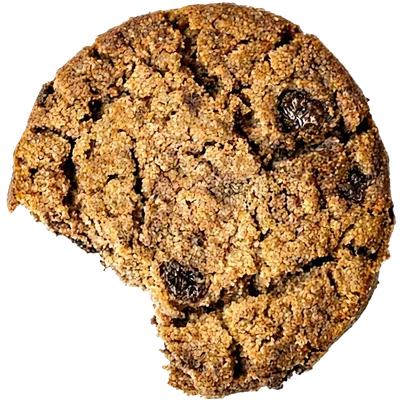
Cookie
The cookie policy’s photo of a bitten cookie. It arrives already turning (growing and fading in with an extra half turn that eases into the slow one), with a drop-shadow that follows its outline. Bring the mouse near and it shies away (
data-shy). -

Milton beside a title
The AI policy’s mesh face (a page kept hidden for now) of Milton, our AI agent, beside the page title as the cookie sits on the cookie policy:
.ai-policy-art. -
Policy art
Every policy-style page has an object beside its title (
.policy-art): the privacy padlock swings (--swing), the DEI spheres turn (--turn), the accessibility badge and Milton float (--float). They shy from the mouse (data-shy), and the “On this page” links glide to their section.

Careers
From careers: facts as tiles (the first coral, the rest grey), perks with an icon in a darker grey circle, and the application form on an ink island.
-
- Founded in2016
- 100+clients
- End to endbrand capacity
Fact tiles
.careers-facts>.careers-fact: a big line and a small one, either way round.--coralfor the first. -
Flexible working
Team away days & events
Perk tiles
.perks>.perk: grey, the icon in a circle of the mid-light grey (--color-muted-on-ink). -
When would you like to start?
Application form pieces
Try them. Tabs and tags are radio buttons and checkboxes styled as pills (dotted tags are the fun ones), and the switch is a checkbox. The chosen tab is a pink pill that glides to the tab you pick (
.tag-form__pill, made byinitTagTabs: two round caps and a stretched middle, so only transforms move; it jumps with reduced motion, and without JavaScript the chosen tab is pink itself). A chosen tag turns white. Contact’s “Budget and timescale” adds a dropdown (a native select in the same white field, with its own arrow:.tag-form__select) single-choice tags (.tag-form__scope) and a deadline date (a native date field). The full form isrender_careers_forminserver.py; each tab’s own field and tags show by CSS alone.
Brand check
The free brand check (open it) and its results page: fifteen Yes, Somewhat or No questions, one at a time, then a score and the five stages of brand building. Every piece below is the real thing; the markup comes from strut_agency_api/brandcheck/brandcheck.json.
-
7/15
Progress
A count and a bar of fifteen separate segments, each filling as its question is answered, with no outlines.
.quiz__progress. -
Answers
Dark glass over the gradient with a 25% outline. In the check, answering moves on by itself, the old question sliding 10px left as it fades (back goes the other way); Y, S and N work as keys.
.quiz__option. -
- YesYou have set brand colours.
- SomewhatYour channels look alike.
- NoYou have a clear message.
Answer pills
On the results page each answer is a pill: Yes in green (
--color-yes), Somewhat in a mid grey and No in coral..answers__item--yesand so on. -
10%
50%
100%
Meters
A stage’s strength, rounded at both ends and coloured by where it sits, coral at 0% to the brand blue at 100% in steps of ten (
.meter__fill--10to--100). They fill as they scroll into view. -
Score circle
The brand score out of 100: a solid circle, coral at 0 to the brand blue at 100, its number sized as a share of the circle (
--ratio-score-number) so 100 always fits. Top right on the results page, and it counts up from 0 as the page opens. -
Results page
After the questions, an email step and a six-digit code, the results open at their own address. Party poppers go off from the bottom corners and the top bar welcomes you by score (congratulations from 80, encouragement below), then names each section as you scroll. The five stages draw themselves: nothing at first, then the first dot, then the rising line left to right with each dot popping in, with its stage’s words, as the line reaches it. Three free 30-minute call prompts follow, ending in a booking form on the gradient.
Effort quadrant and circling squares
-
AI, low effort
AI slopSlop
Hover the box: four squares circle the name, each at its picture’s own shape.
A box of the quadrant
From Why we changed: the effort quadrant on a dark island, its axes drawing out and the four kinds of work arriving clockwise. Hovering a box pops four circling squares out round its name (the same
.word-orbsas About’s customer types, a wider ring,data-orbs-hoveron the box). The axes run from coral (bottom left) to the brand blue (top right) and their labels take the same colours. The box rises over its neighbours while hovered, so the squares are never under any text. Pictures keep their own ratio (word-orb--tall,--portrait).




Why we changed pieces
Pieces made for Why we changed that can be used elsewhere.
-

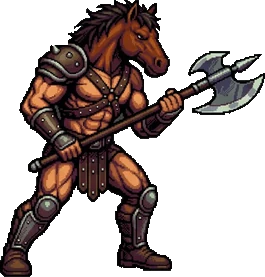
Fighters that swing
Hover a fighter and it changes to its strike frame from the sprites, a hard cut like the game’s, lined up on the feet at the same pixel size so it doesn’t jump (
.fighter-swap, with--strike-heightand--strike-leftper fighter; mouse only). The reverse centaur is flipped to face the centaur (.fighter-swap--flip). -

Head in the sand
A photo cropped to a circle with the policy art’s treatment (
.policy-art--float,.sand-art): it grows in, floats, casts a shadow along its edge and shies from the mouse (data-shy). Under “What changed”, beside the words about burying our heads in the sand, whose first phrase has the hand-drawn underline. -
design-system.md # Your design system ## Colour Primary, secondary, and when to use each ## Type Headings, body copy and sizes ## Voice Plain words. Short sentences. Sound like us. ## Always / never The rules your AI follows every time
Design system file card
An example file on the brand gradient, coral to blue, in white type with bold headings (
.brand-file). White on the coral end is about 3 : 1, so keep it to short, large-enough lines. -
Long page alert
A dark strip under the lead of Why we changed with a switch (
.nutshell-bar, shown here off and on). Its label says what flipping it does: “Go short” on the long page, “Go long” on the short one. The 404’s red don’t walk hand in LED dots (thedot-handpartial, throbbing like a pulse; still with reduced motion) and a “Long page alert” in the heading type offer the short version: switched on, the long page gives way to a summary that has one short paragraph per stage of the story, each linking to its full section (data-nutshell,data-long-page). The knob slides and the coral fill fades in. It is hidden without JavaScript, where the page is simply the long page, and/why-we-changed/#nutshellopens with the short version.


How it works steps
The four steps from first conversation to a brand that runs, from cold to warm: blue, purple, pink, then coral (.lifecycle-step--1 to --4 set --step, --step-ink and --step-next). The line between steps runs from each colour to the next and draws as you scroll (left to right, or down on phones); each marker fills as the line reaches it. The line out of step 1 is broken, because that step is free, and its words are bold. The dashed loop underneath is centred under its middle arrow.
-
Step 1: Check
A free look at how your brand shows up today.
-
Step 2: Decide
Brand strategy: a position and a roadmap, in two to three weeks.
-
Step 3: Build
Brand identity, then your website, app and design work, priced up front.
-
Step 4: Shape
Ongoing support every month, with a review every quarter.
New market, product or channel: from step 4 back to steps 2 and 3
Hero tiles, scroll story and polaroids
Three page-sized pieces from 15 and 16 October. They only make sense at full size, so each links to the page where it lives.
-
Six small framed pictures and films of our work in the margins beside the hero words, from 80rem up only (
.hero-tiles, inside[data-hero-text]so they fade with the words). Each has its own shape, size (--size-hero-tile-xlto-sm), tilt and--tile-spread(0 hugs the words, 1 the screen edge). No shadow. They pop in after the heading, bob, drift against the pointer (data-depth) and part as you scroll; on hover one straightens, grows and flicks through more pictures (data-tile-images). Two play a project film, never with reduced motion, data saver or a slow connection (initHeroTiles). -
For any section where the words outweigh the picture, so there is never a small picture beside lots of text.
.scroll-story[data-scroll-story]holds afigure.scroll-story__figurethen a.scroll-story__step, repeated (.scroll-story--Nfor N steps). From desktop width the pictures pin in the left half at screen height (--size-story-figure) while the words scroll in steps (--size-story-step); the picture for the step crossing the middle fades in (--duration-story) and settles from a slight zoom (initScrollStory). On phones, tablets, with reduced motion or without JavaScript it reads picture, words, picture, words. A figure can be an HTML mock-up (.scroll-story__figure--code, in--font-code). -
The team pages’ photos as a scattered stack: white-bordered cards with handwritten captions (Caveat), tilted by hand and overlapping (
.polaroids>.polaroid>.polaroid__card,--width-polaroid, wider from 64rem). Across one screen on a wide display, two staggered columns on a phone. The cards rise and fade in one after another as the stack scrolls into view, and hovering one straightens and enlarges it (initPolaroids).
Team name card
-
Sophie
Designer
Digital design · Print · Illustration · Social content
Name, title and what they do
From the About team: the card in the sticky panel for whoever is in the middle of the screen, the name at
text-2xl, their role a size down attext-lgand up to four things they do (smaller again) (.team-card__skills). Each name stays up for at least a quarter of a screen of scrolling and they take turns in reading order, so nobody is missed; on phones the same lines sit under each photo.
Team photo and profile pages
-
Photo with a LinkedIn link
A LinkedIn icon bottom right of a team photo, in LinkedIn’s blue (
--color-linkedin), outside the photo’s own link and opening their profile in a new tab:.team-photo-wrapand.team-photo__social. The photo itself links to their page. -
- 10years leading Strut
- 2professional certifications
Profile pages
The team pages (Chris, Ed): a portrait beside the biography with a LinkedIn link (
.profile-hero, the portrait sticky from 64rem), figures that count up (.profile-stats), how they work as tiles, credentials and talks (.profile-list), short quotes (.profile-quotes), their own articles as picture cards, photos as polaroids (above), the email line and a gradient call to action.

Photo call to action

Join the team
A gradient band with a photo on the left and the words and button on the right.
As on About (Join the team) and partners (new partners): .photo-cta, with an even frame of the gradient round the photo, 20px on phones and 40px from tablets, and the same gap to the words. Stacked on phones, photo first.
Sitemap rows

As on the sitemap: built from every public page, grouped, each group with a coral count. Thumbnails are 96px webps in site/images/sitemap/.
Who we work with
The parent page (Who we work with, renamed from “Who we partner with” on 19 October 2026) opens with a photo hero like the three group pages’, then two balanced columns, “Who you are” (the people who can impact change: C-suite, company owners, leadership teams, marketing professionals, funders) and “Where you are” (the stage), each with a kicker, a heading and a short paragraph, no pills. The group cards follow, then the client strip. The three group pages share one left column: a kicker, a heading, the in-house and trusted-partners paragraph and a “Start a conversation” button, beside tiles introduced by “Core capabilities designed to accelerate your growth:”.
Partner card
-

What they do
As on partners: the whole card opens the partner’s site, the logo lifts and the arrow nudges on hover. From src/data/partners.json, which also feeds the small tiles on About.
Crossing signal
-
“Don’t walk”
From the 404 page, after New York crossing lights: a signal-yellow housing with a deep shadow and a black LED panel. Ed’s hand and strutting figure are drawn as dots (
scripts/make_ny_signal.py). The coral hand is the focus and stays lit for about 3.5 seconds of a 5-second cycle; then a power surge flickers the walker on four times, for a fraction of a second each, with a glow behind it. The two are never lit together, and the panel never moves. On the 404 it also floats up faster than the page as you scroll (data-float).
Article category
Every article has one category, from the list in INSIGHT_TAGS. On the article it is a small outlined pill that links to the Insights list filtered to it; on Insights the categories are a row of toggle buttons with a count (hidden without JavaScript), and each card shows its category. The value pages choose their three articles by name, not by category.
Interview cards
Portrait video cards on a dark island (Our fans, and “Deep Conversations” and the like on the value pages): a 9:16 frame, a one-line title, then the name and role. A dashed [Video] box stands in until the film is supplied.
-
[Video]
[One line: how we put this value to work][Name], [role, company or Strut team]
Value pages
The four values share one layout: a larger intro, a video, “In action” with the words fading in as you scroll, the video slider, three chosen articles, an interview island, then Next up for the next value (the fourth leads back to the first). Its small picture is the value’s square picture, one size and place on every value page, and it grows into that page’s opening section.
Video slider, portrait
The Apps page’s slider (carousel--portrait): phone-shaped frames (1180 by 2556, to fit a phone recording), no client logos, three items opening on the middle one, no loop, no automatic change and no progress circles (data-carousel-loop="false", data-carousel-auto="false"); the dots, dragging and swiping move it. A film given just for one slider fits inside its frame. See it on Apps.
House rules
- Industries, wherever they are listed: Sport & Lifestyle, AI & Data, Energy & Renewables, Travel & Tourism, then the rest A to Z. Food & Drink is not one of the main ones: a mention in words on the Industries page, never a fifth main industry. Always “&”.
- Values from the tokens only: colours, sizes, spaces, timings.
- Brand colours only (coral, pink, purple, blue and the greys); a client’s colour only on their case study and their client card; the three one-offs only where they live (the signal yellow on the 404’s crossing light, LinkedIn’s blue on the team photos’ links, the bright green on a “Yes” answer).
- Movement uses transform and opacity, and everything reads without it.
- Space around framed blocks is set once, in
main.cssby.island: two in a row, or one then Next up, are a section apart, and an island that ends a page has a section’s space after it. Never add it page by page. - Name the six services as Ed and Chris approved them (16 October 2026): Strategy, Brand identity, Websites & Ecommerce, Web & mobile apps, Design, Ongoing support. Not “brand design”, “brand activation” or “brand management”.
- A photo with words on it gets a gradient behind the words: all over on case studies, only at the foot where the photo should stay vivid (partners), plus a soft shade from the left when the heading sits over a bright part (careers).
- Paragraphs stacked under a heading sit 2rem apart, everywhere (the
proseclass); a paragraph with a hand-drawn underline gets looser line spacing so the line doesn’t touch the next. - Numbered labels read number first, then the title: “II · Our values”, “02 · What we do”.
- Forms keep working without JavaScript, and every field has a visible label; playful placeholders are fine, but never instead of a label.
Call to action with a picture
The brand check’s gradient island with a square picture on the left and the words and buttons on the right: a dark button, then a text link (the Websites and Apps pages). On a phone the picture sits on top.
Let’s build your website.
Send us your brief and we’ll come back with a fixed price and a date.
Questions
The answer opens smoothly and the plus turns into a minus.
How does a question open?
The space grows to fit the answer while the answer fades in. Closing is the exact mirror.
Does it work without JavaScript?
Yes. It’s a native details element, so it opens and closes instantly.
On dark
Ink islands
Dark sections sit as rounded islands, inset from the screen edges. Text turns off-white, secondary text a lighter grey, and links turn coral on hover.
Islands, light or dark, are whole sections: two framed blocks in a row (islands, or a case study’s picture grid) never touch, but keep a section’s space between them.
Motion
Movement uses transform and opacity only, so it stays smooth. Everything is readable before it moves, without JavaScript, and with reduced motion switched on.
Live here
-
Built for how your team works now.
Hand-drawn underline
Coral strokes drawn in like a pen when they scroll into view.
-
Wave the wand. Click to zap.
Fairy dust
From the About header: the pointer is a wand that sheds stars; a click (or a tap) zaps a burst and a shockwave, shakes the words and calls out a spell in the top bar. Off with reduced motion.
-
Copy that starts faint and fills in one word at a time as it scrolls up the screen. The line that matters is bold and black.
Word-by-word reveal
For the one passage on a page that should be read slowly.
Across the site
| Pattern | Where | What it does |
|---|---|---|
| Reveal on scroll | Every page | Blocks fade and rise into place as they appear; cards side by side arrive as a wave. |
| Title slide | Every page | Large headings slide up word by word. |
| Top bar display | Every page | Dot-matrix messages change with a cypher effect; a greeting, tips and a line for each section. |
| Menu | Every page | Links drop down in rows, with no lines between them, while the page behind dims and blurs. An item with children (What we do, Industries, About) glides the list left and its children in from the right, with a back arrow top left and the parent as the heading; Escape steps back. Desktop and phone alike. |
| Footer reveal | Every page | The page lifts off the footer, which holds still underneath; a lava-lamp glow brightens. |
| Showreel | Homepage | Fades in, then grows to full width as it scrolls up. |
| Orbiting tools | Homepage | Tool logos orbit the copy, shy away from the mouse and cast shadows on the wall behind. |
| Photo flick | Homepage | A card runs through its photos while hovered. |
| Hero tiles | Homepage, from 80rem | Pop in after the heading, bob, drift against the pointer and part as you scroll; on hover one straightens, grows and flicks through more pictures. Films never play with reduced motion or data saver. |
| Scroll story | Service pages, from desktop width | The pinned picture changes to match the step crossing the middle: a fade with a slight settling zoom. |
| Polaroids | Team pages | The cards rise, scale up and fade in one after another as the stack scrolls into view; hovering one straightens and enlarges it. They simply appear with reduced motion. |
| Flipping cards | Service cards, package tiles | Turn over to their back on hover at once, and turn back only after the pointer has left for half a second (--delay-flip-close). Any new flip card uses the same delay. |
| Work carousel | Homepage | Continuous video carousel with a loader circle, logo reveal, pagination dots and a drag cursor. |
| Our four frontiers | Homepage | Pins and moves through the sectors as you scroll. |
| Menu covers | Every page | Each menu item’s little square picture fades through four covers while hovered. |
| Work snapshot | Case studies | The four columns fade and rise in one after another, left to right. |
| Portrait slider | Apps | Phone-shaped video frames; it doesn’t loop or change by itself, and the dots, dragging and swiping move it. |
| Next up on the values | The four value pages | As on case studies: the page slides aside to show the next value, whose square picture grows into its page. |
| Insights filter | Insights | Choosing a topic shows only those articles, and the choice is kept in the address. |
| Long page alert | Why we changed | A switch under the lead swaps the long page for a short summary, which rises in; a red LED hand throbs beside it. |
| Fairy dust and wand | About | The pointer becomes a wand that sheds stars; a click zaps a burst and a shockwave, shakes the header and calls out a spell in the top bar. |
| Work squares | About, Why we changed | Rounded squares of client work pop out and orbit each customer type, each fading through its pictures. On Why we changed the same squares circle each name in the effort quadrant when its box is hovered. |
| Values and team | About | Values highlight at mid-screen; team portraits move in parallax, the name cards taking turns in reading order and each held long enough to read; Milton, the AI agent, is a photo of a waving robot, grey until hovered like the others. |
| Works grid | Our work | Films play while on screen, pictures run on hover, labels drop in and bounce; pill filters with a count. |
| Case studies | Case studies | Hero parallax and count-up, film tiles with a loader ring, a draggable highlights carousel, a scoreboard in the top bar (PWR) and “Next up” sliding the page aside to show the next case study, and growing into its hero when chosen. |
| Word-by-word reveal | Homepage, Careers | Copy fills in a word at a time as it scrolls; links inside fade with their words, underline and all. |
| Crossing signal | 404 | The hand stays lit; every five seconds the walker flickers on four times in a power surge, glowing; the signal floats up faster than the page as you scroll. |
| Cookie arrival | Cookie policy | The cookie grows and fades in already turning, with an extra half turn easing into its slow 40-second spin. |
| Shy | Any block | data-shy: moves away from the mouse as it comes near and drifts back, like the homepage’s tool circles (the cookie policy’s cookie). |
| Float | Any block | data-float: the block drifts up by half its height over its section’s scroll, so it seems to sit in front of the page. |
| Corner buttons | Every page | On load, FREE Brand check slides in from the left and Say hi from the right; they fold to circles after first use and tuck away by the footer. |
| Brand check questions | The drawer | One question at a time; an answered one slides 10px left as it fades and the next comes in, and Back runs it the other way; a fifteen-segment bar fills. |
| Results celebration | Brand check results | Party poppers from both bottom corners in the brand colours, the score counting up from 0, meters filling as they scroll into view, and the five stages drawing themselves: the first dot, then the line left to right with each dot popping in as it arrives. |
| Supportive ticker | Brand check results | The top bar welcomes you by score instead of offering the check, then its own tips and a line for each section and each stage as you scroll (data-display-welcome, data-display-tips). |
| Fighters that swing | Why we changed | Hover the centaur or the reverse centaur above their columns and it changes to its strike frame. |
| Head in the sand | Why we changed | A circular photo grows in, floats and shies from the mouse, like the policy pages’ objects. |
| How it works line | Why we changed | The line draws from step to step as you scroll, each marker filling in its colour (blue to coral) as it arrives; the line out of step 1 is dashed. |
| Effort quadrant | Why we changed | The axes (gradients from coral to blue) draw out and the four kinds of work arrive clockwise, slop first. |
| Slop or Not | Why we changed | A poster-wall banner whose logo pops onto the wall opens a phone game: ten pieces, Slop or Not, a score out of 10 that fills the panel, with party poppers for more than five right. |
| Strut Fighter II | Why we changed | A retro arcade fight in The Strutosphere: pixel-art sprites that flash white when hit (their little faces by the health bars too), a drawn VS between the fighters, a synth music loop, and cries when they’re hit, a human “ow” and “aaagh” for the centaur and a robotic equivalent for the reverse centaur. Sound is on when it opens, with a Sound button to switch it off. |
| Sport hero and client deck | Sport & Lifestyle | A ball bounces in and is crushed against the screen top; client cards stack as you scroll. |
Timing
--duration-medium300ms--duration-link300msevery link's colour change--duration-slow600ms--duration-carousel7show long the carousel stays on a project before moving on--duration-tile-drop650msa works tile's name dropping in from above and bouncing into place--duration-zap600msa click's zap: the wand's flick and the header's shake--duration-signal5sone cycle of the signal: the hand alone for about 3.5 seconds, then a surge that flickers the walker on for a moment--duration-cookie-arrive1.4sits arrival: growing in while it turns--duration-cookie-turn40sone slow turn of it--duration-pill-arrive700msthe corner buttons sliding in from the sides on page load--duration-quiz-step350msthe next question coming in--duration-quiz-leave200msthe answered one sliding out as it fades--duration-stages-line2.4sthe rising line on the results page draws left to right over this; each dot pops as it arrives--duration-confetti4200msthe results page's party poppers--duration-flip600msa package tile turning over to its back--delay-flip-close500msa turned card waits this long after the pointer leaves before it turns back--duration-story800msthe pinned picture changing as the next step arrives--ease-outcubic-bezier(0.2, 0.7, 0.2, 1)--ease-linkcubic-bezier(0.4, 0, 0.2, 1)an even ease, so the colour visibly fades rather than snapping (the same curve as Tailwind's transitions)--ease-tile-dropcubic-bezier(0.34, 1.7, 0.64, 1)overshoots past its spot, then settles back